During the Keynote today Apple showed off ten feature set to make it into the future OS, Leopard.
It was also announced that Leopard would be shipping in Spring of 2007.
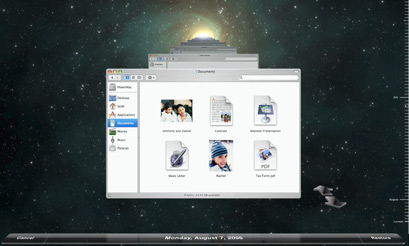
- Time Machine - a new backup system which automatically backs-up everything on your Mac.
Right from the start, Time Machine in Mac OS X Leopard makes a complete backup of all the files on your system. That includes your system files, applications, accounts, preferences, music, photos, movies, documents — everything you keep on your Mac. As you make changes, Time Machine only backs up what changes, all the while maintaining a comprehensive layout of your system.
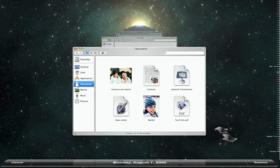
Time Machine shoots back through the Finder using 3D animation - Core Animation - allows developers to keyframe and tween to create great looking applications.
Creating dynamic scenes can get confusing without a systematic approach. Using Core Animation, Mac developers can create snazzy animations in their programs using different media types, such as text, 2D graphics, OpenGL renderings, and video, simultaneously. Core Animation dynamically renders these media layers together, complete with transparency effects and Core Image filter and effects. When content changes, Core Animation updates it, automatically.
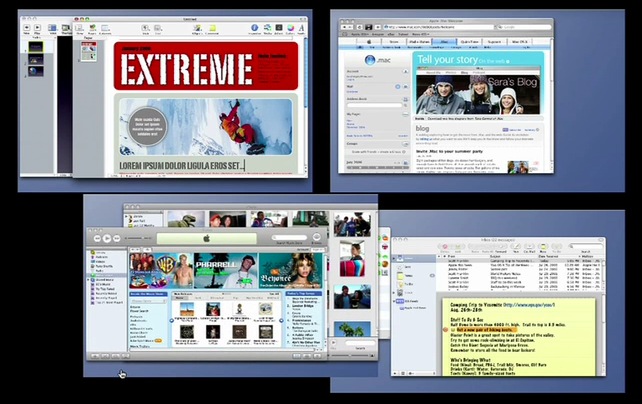
- Spaces - Virtual Desktops are now a standard feature of Mac OS X, you can run four desktops simultaneously and switch between them using the Dock or short keys, changing between desktops happens much like an Exposé window switch.
Create a Space for work. Create a space for play. With the click a function key, you can drag all your application windows onto different Spaces. Keep all your work projects in one Space and that fun flick you made in iMovie in another. Create a communication Space for iChat and Mail. Organize your Spaces however you want just by dragging windows into them. You can even rearrange your Spaces with drag-and-drop ease — shift a Space and every window in it comes along for the ride.
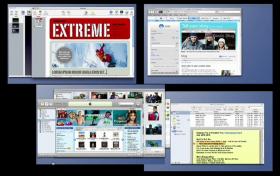
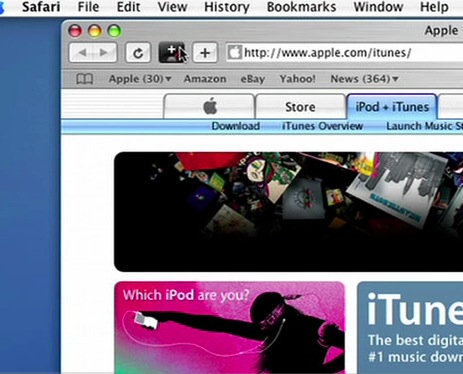
Spaces - Multiple desktops in Mac OS X Leopard - Dashboard Enhancements - Dashboard now features Web Clip, which allows you to crop a section of a web page for live previewing straight from the Dashboard.
Dashcode is now officially released with templates and libraries.
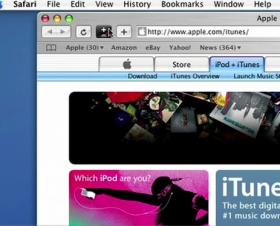
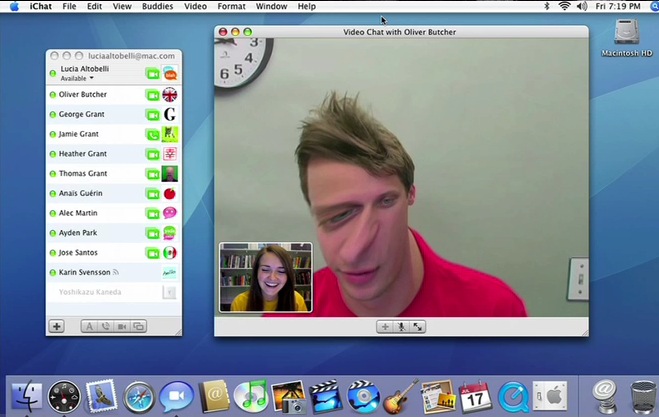
Web Clip - take quick live snapshots of webpages from Safari - iChat Enhancements - You can now do live Photo Booth effects over an iChat video conference, but you can also show friends and family Keynote presentations and iPhoto slideshows.
You can also now share your desktop during an iChat for collaborative working.
iChat also features Backdrops for your video chats, drop yourself in front of any photo or video for a bit of fun.
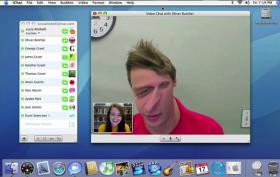
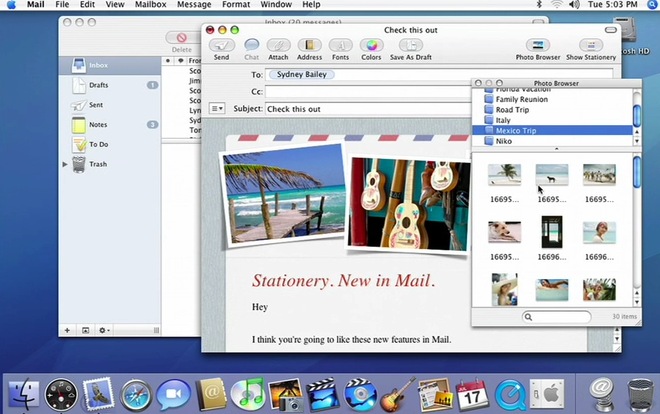
PhotoBooth effects can now be previewed live over an iChat video conversation - Mail.app Enhancements - To Do lists that tie into iCal and other apps on the system. Stationery for creating HTML emails much like iWeb. Notes to help remind yourself.
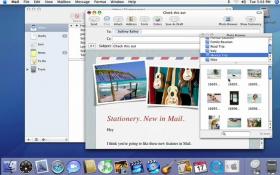
Photo Browser and Stationery in Mail.app - Universal Access - Now supports closed captioning in Quicktime, braille support, and more natural voiceovers.
The new synthesized English voice in Leopard, Alex, uses advanced, patented Apple technologies that deliver natural intonation, even at very fast speaking rates. And Alex works with any application that supports Apple’s speech synthesis.
- 64-bit and the Complete Package - Leopard now supports 64-bit natively. Leopard will deliver 64-bit power to Intel and PowerPC Macs.
Leopard also packs new versions of Photo Booth and Front Row as well as bundling Boot Camp as standard.
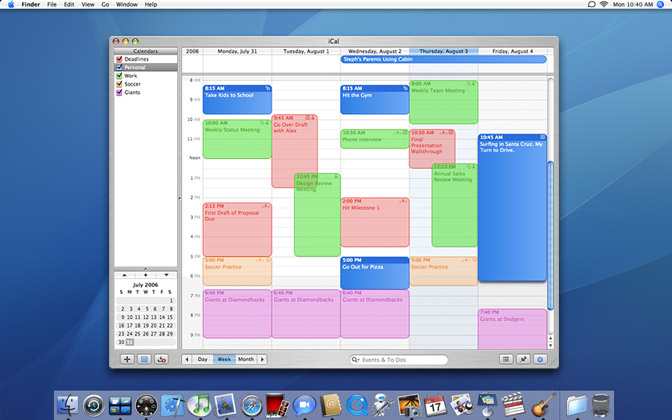
- iCal - Calendar sharing, event scheduling can now be done in iCal.
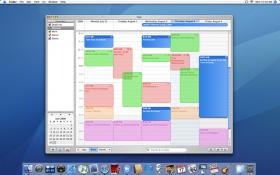
The new iCal in Leopard - Spotlight - Spotlight now searches networked machines and whole workgroups as well as the ability to do boolean searches. Spotlight also bundles an application launcher and lists recent items.