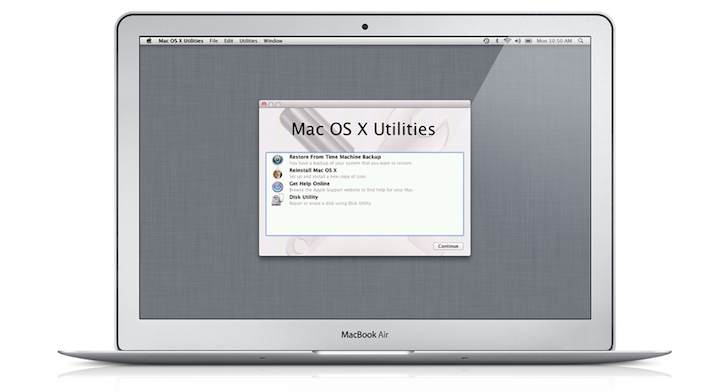
Leading up to the release of OS X Lion one of the most talked about features was how the OS would only be available from the Mac App Store; not only creating problems for those with slow or capped broadband but also those who like a clean install or who encounter a problem in the future.
Today with the release of OS X Lion some of these details have become clearer. Whilst Lion is currently only available as a 3.74GB download from the Mac App Store, Apple says that a USB dongle will be available to purchase in August for $69 (£55). For now Apple recommends you pop-along to an Apple store to download Lion if your internet connection doesn't permit.
Upon installing Lion the originally downloaded installer is removed as part of the installation process. So before you run the installer if you're so technically inclined you can delve into the dmg and burn an installation DVD or create an external boot disk.
If these tasks are too much for you then do not despair because Apple is prepared for potential computing trouble. When installing Lion creates a partition on your hard drive for the purposes of recovery, at just 650MB the new partition gives the ability to reinstall Lion or run the disk utility if there are any problems. To access the recovery partition just hold down ⌘R during system startup.
Most of this was predicted ahead of Lion's release, what wasn't known and is now is how Apple is coping with complete hard drive failures. So in this instance lets say your hard drive dies, losing the original installer and recovery partition and you have no other method of getting back up and running. Buy a new hard drive and put it in your Mac and the EFI firmware will kick into action and run an 'Internet Recovery', which in short means it'll download the Lion installer straight onto your brand new drive and away you go.
The new Internet Recovery feature is only available on the brand new Mac mini and MacBook Air as they will contain the most up-to-date EFI firmware but it's entirely possible that Apple could push an update for older Macs.