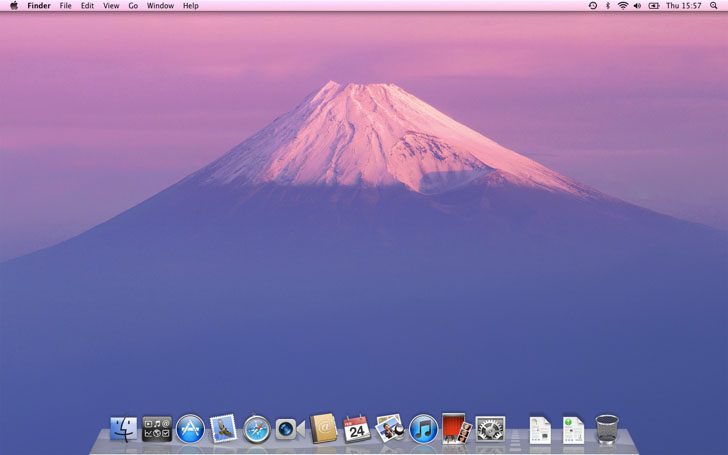
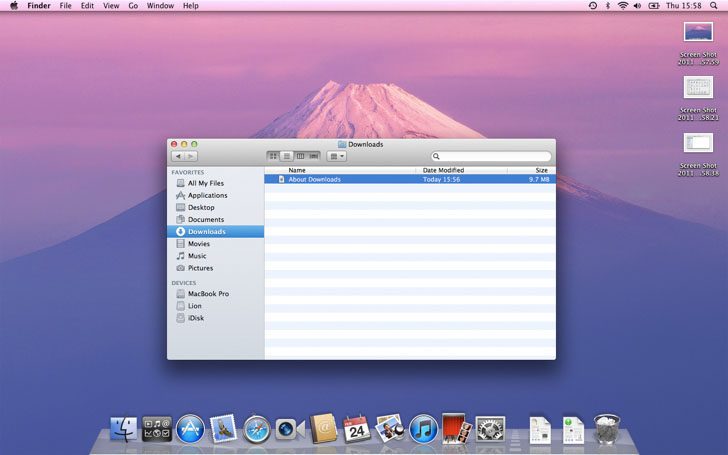
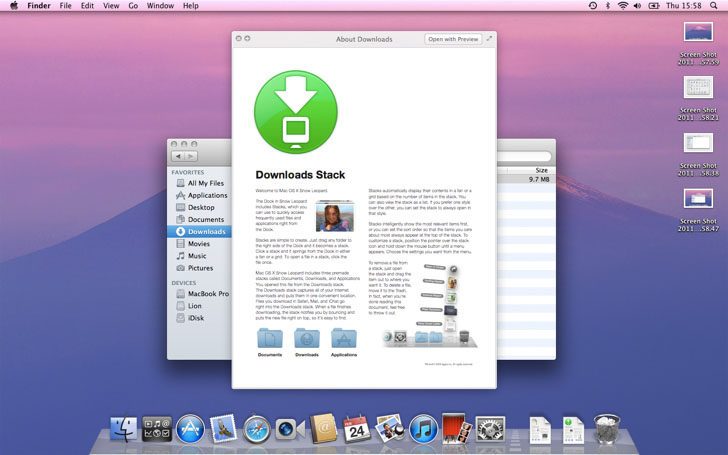
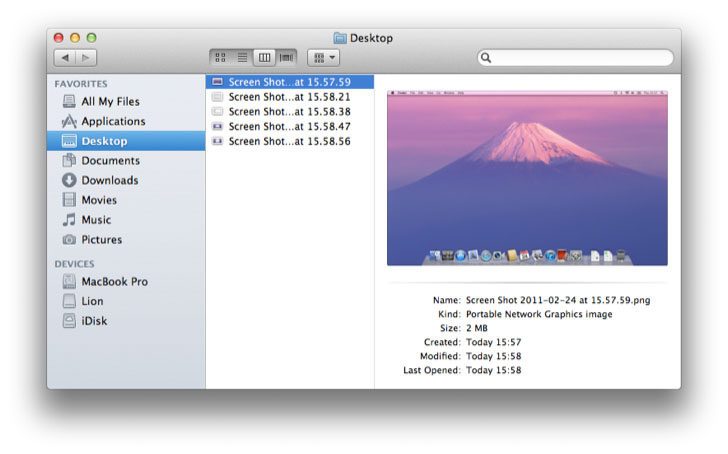
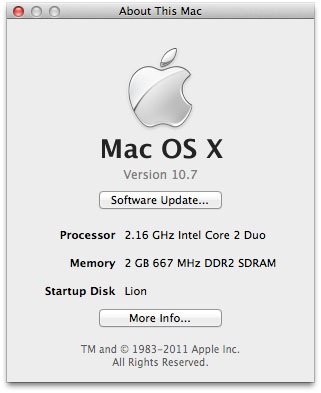
Today Apple gave developers a preview of Mac OS X 10.7 Lion. The 3.6GB download is done through the Mac App Store after receiving an individual redemption code. The preview is labelled build 11A390 and is presumably very close to the finished product.
Installing Mac OS X Lion is very similar to installing previous versions of Mac OS X, even the startup video currently remains the same.
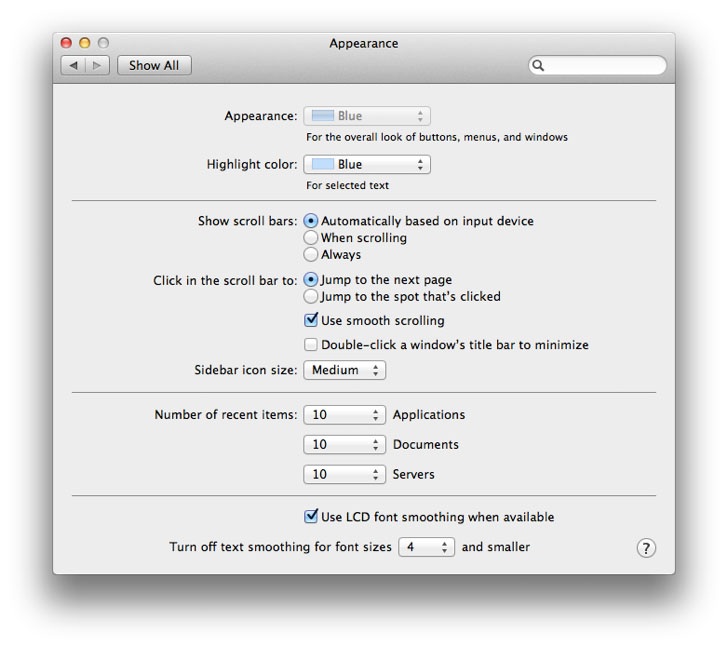
Mac OS X Lion remains largely familiar but does have some major changes compared to Snow Leopard. Scrollbars now only appear when scrolling although the setting can be returned to normal. Also windows can be resized from any edge and very often using + symbol in the top left of an app will make it fill the screen with a slow expanding motion but will not enter full screen.
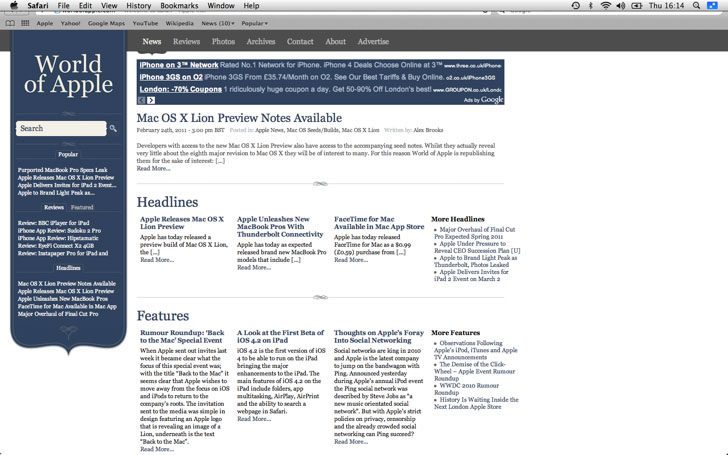
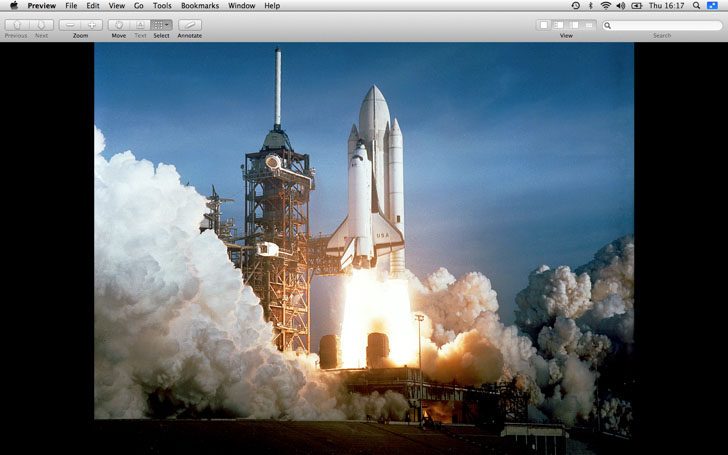
Many apps included with Mac OS X Lion have full screen mode, within full screen mode the Dock and menubar can be viewed by hovering the mouse near the top or bottom of the screen. Switching between apps in full screen mode can be done using Apple+Tab as well as through gestures on a trackpad.
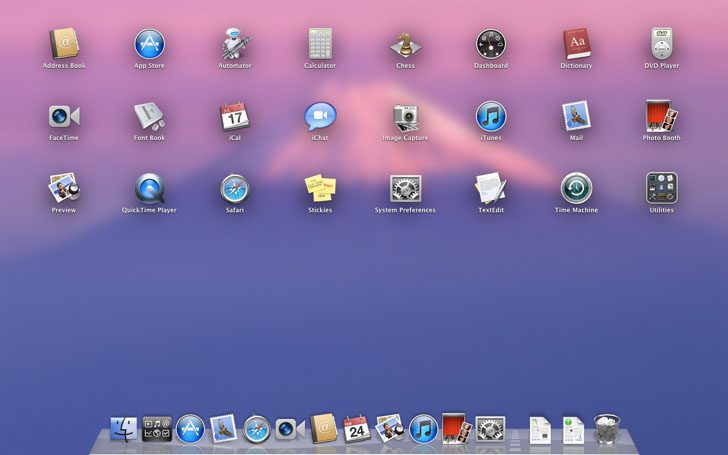
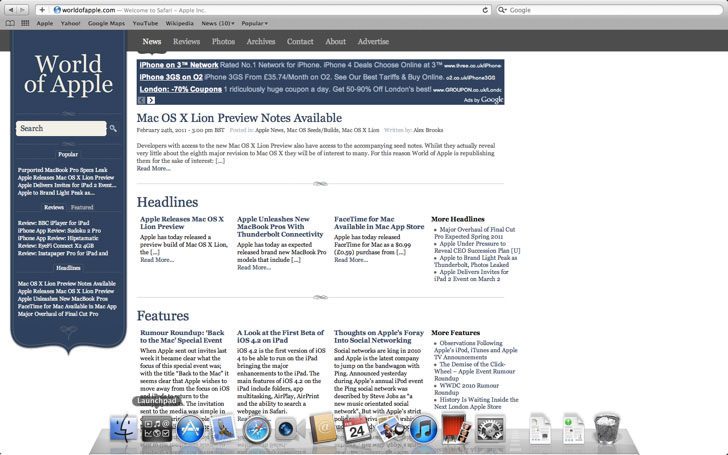
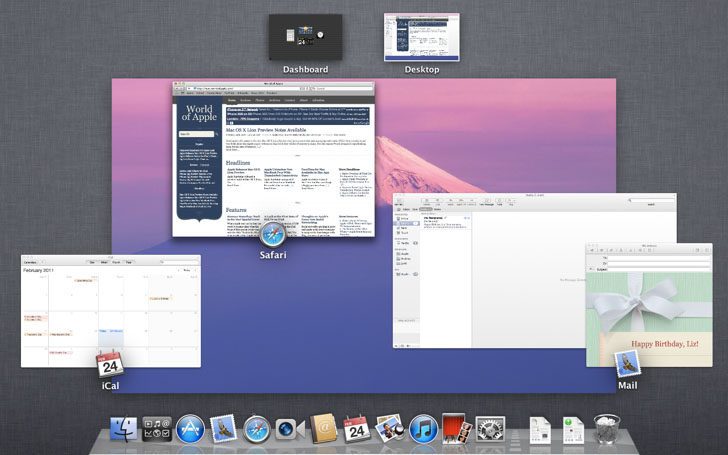
The biggest feature in Mac OS X Lion is Mission Control and Launchpad. Launchpad can be opened from the Dock and shows all installed apps in a very iOS fashion. Mission Control can be launched via a gesture or using the F9 function key which previously displayed all open windows. In Mission Control all full screen apps show at the top with the Dashboard and Desktop, whilst open windows show in the middle.
Mac OS X Lion adds a lot of new animations, many apps pop open, and when switching between full screen apps the whole display slides left or right.
The most interesting and somewhat advertised feature in Mac OS X Lion is application persistence. Official Apple developer documentation tells developers that quitting applications is no longer necessary. Mac OS X can now terminate an application behind the scenes when it goes unused or has no open windows, but will be relaunched instantly if clicked on by the user. The same goes for restarting or logging out, all previously open apps will be open in the same place with the same size and content.
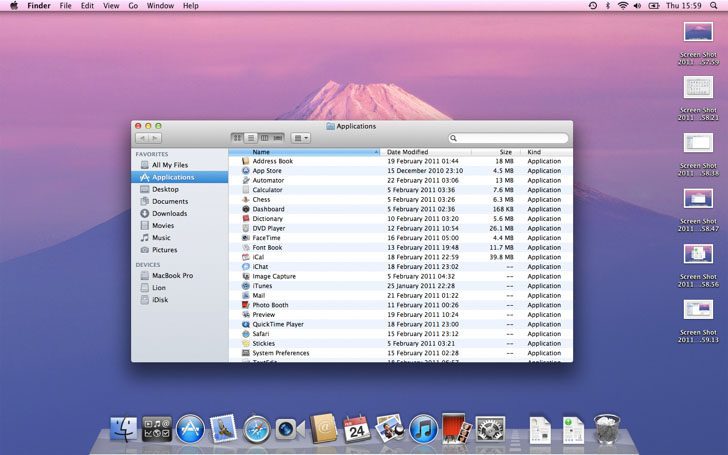
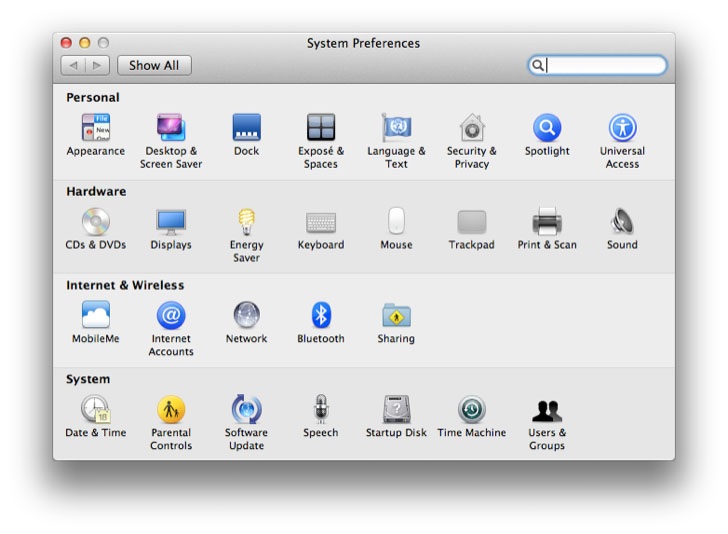
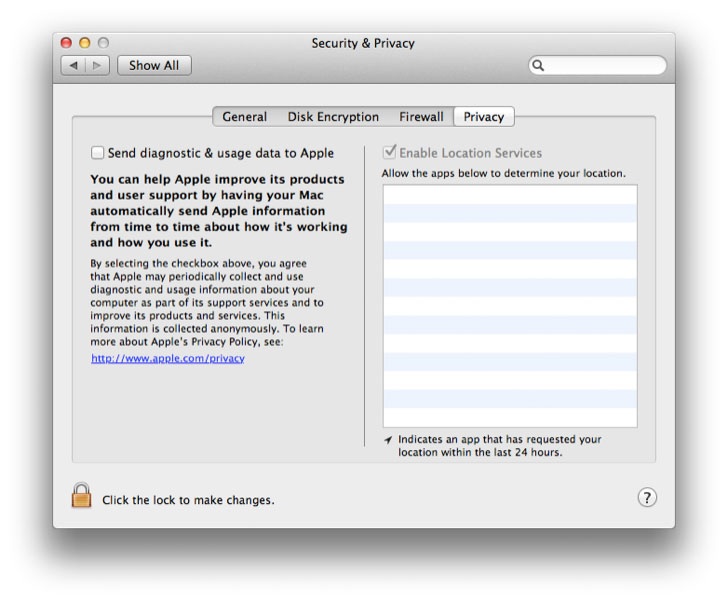
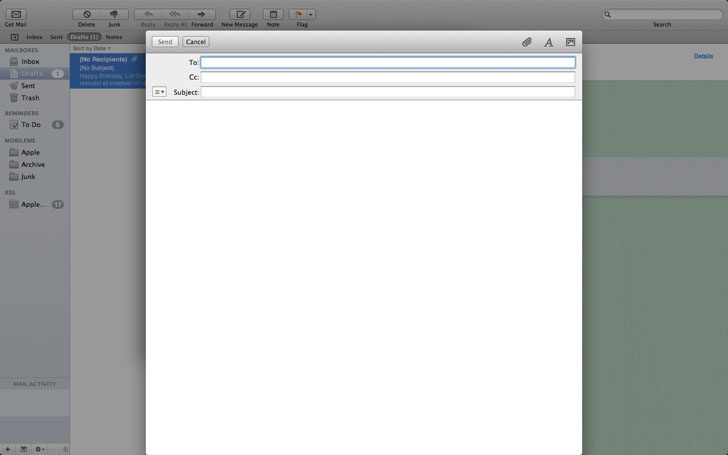
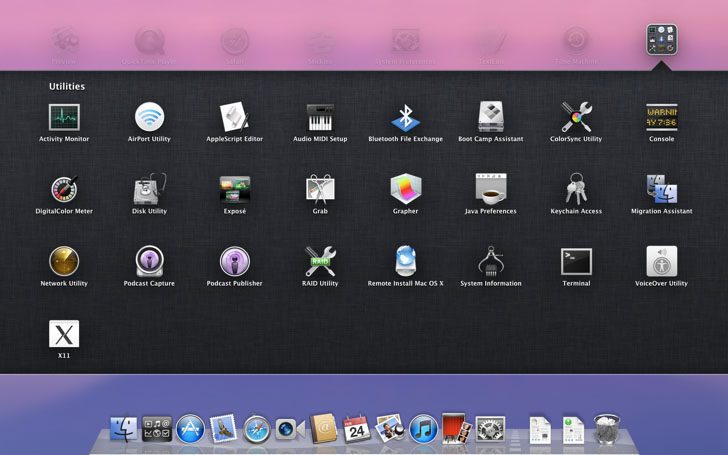
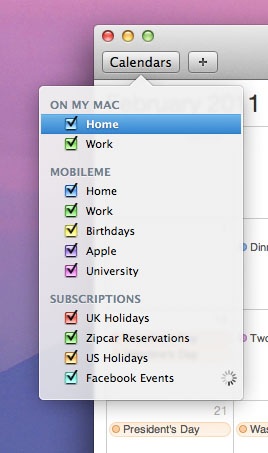
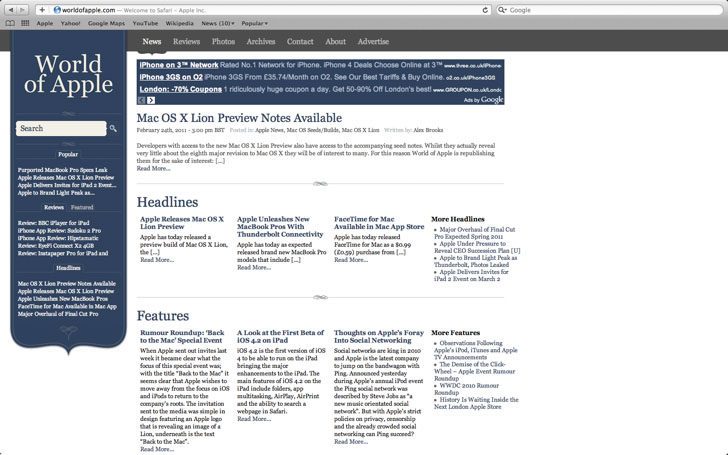
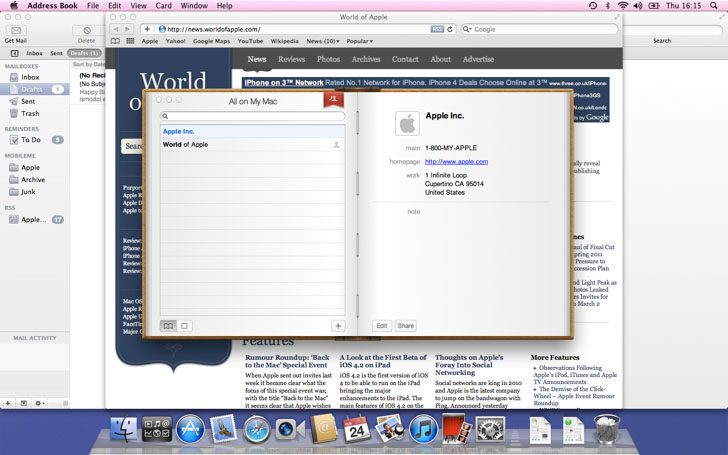
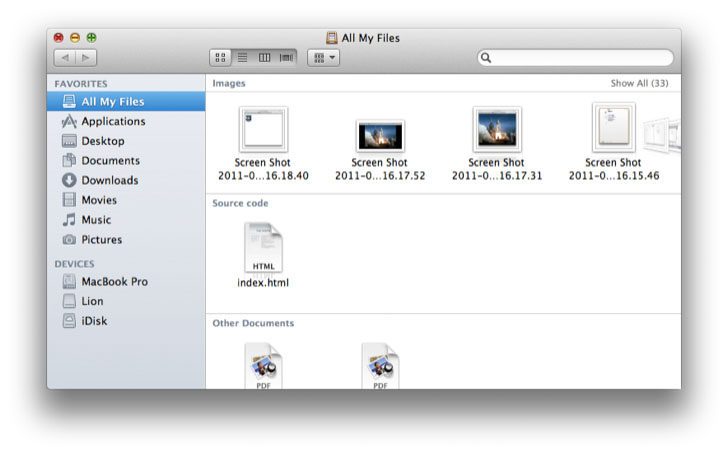
Below is a selection of screenshots showing some of the new features in Mac OS X Lion.